Open the following link in Microsoft Edge browser:
https://www.galaincha.com.np/loginGetting Started with Galaincha
* Minimum System Requirements
×
Recommended System Specifications
For Windows
Operating System Requirements
- Windows 10 and above (64-bit)
- .NET Framework 4.6
Hardware Requirements
- Intel Core i5
- 8 GB of RAM or more
- Full HD screen resolution
For Mac
Galaincha can run in Mac, but not natively. Since Galaincha requires the .NET Framework and Internet Explorer to run, you will need to run Windows in the Mac and run Galaincha on top of it.
There are several methods you can use to install Windows on
your Mac.
For detailed instructions:
Installing Windows on your Mac
1

2
Enter your username and password, and click on Login button (or press Enter).

3
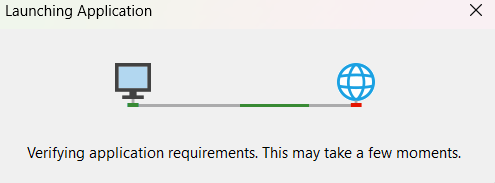
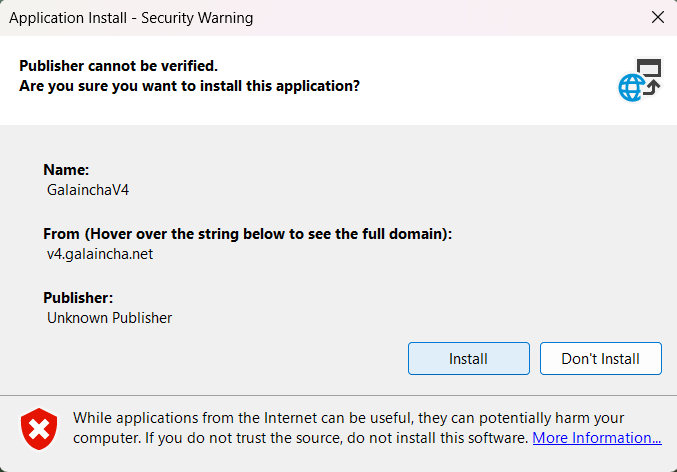
If you are running Galaincha for the first time, you will be asked to install it.
Please confirm to proceed.
4
After Galaincha is fully installed, a Windows Defender pop-up will appear.
Please select "Run anyway" to proceed.

5
If any prerequisite to run Galaincha software is missing then you will be notified.
Please install the required component as mentioned here:
https://galaincha.com.np/havingtrouble
6
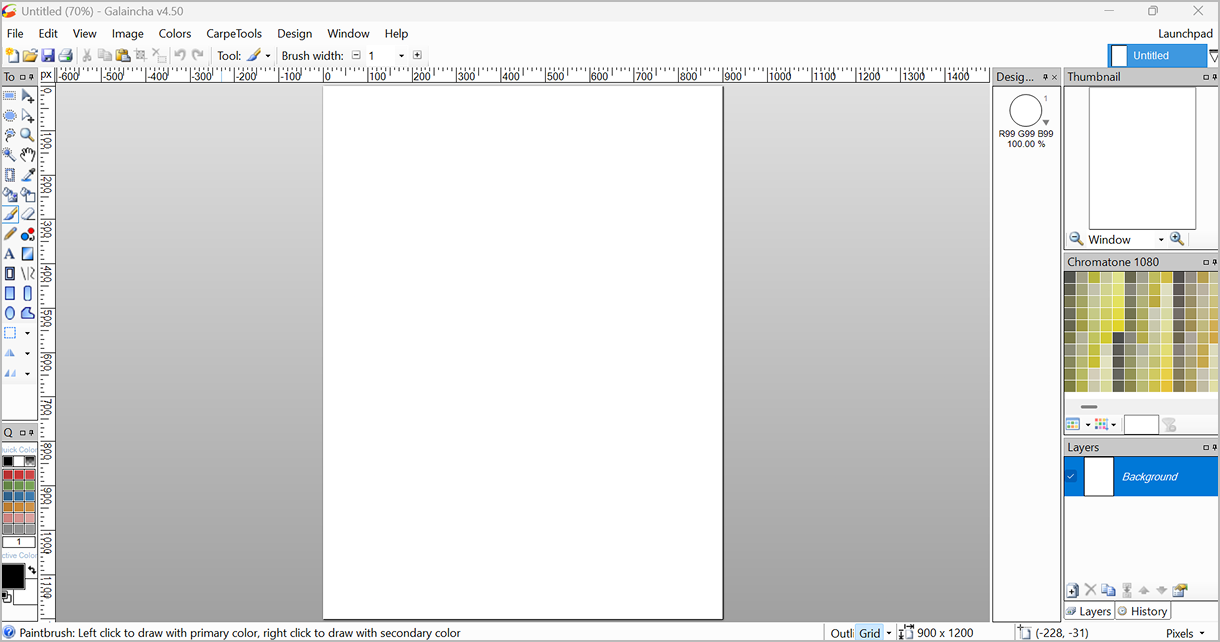
Galaincha will be downloaded and installed automatically.
You can see the progress of the download. Galaincha will start automatically after the download is complete.
7
In some cases, the main window does not appear in the front, but you can see Galaincha tab in the taskbar.
Click on the tab and the application will appear in front.
